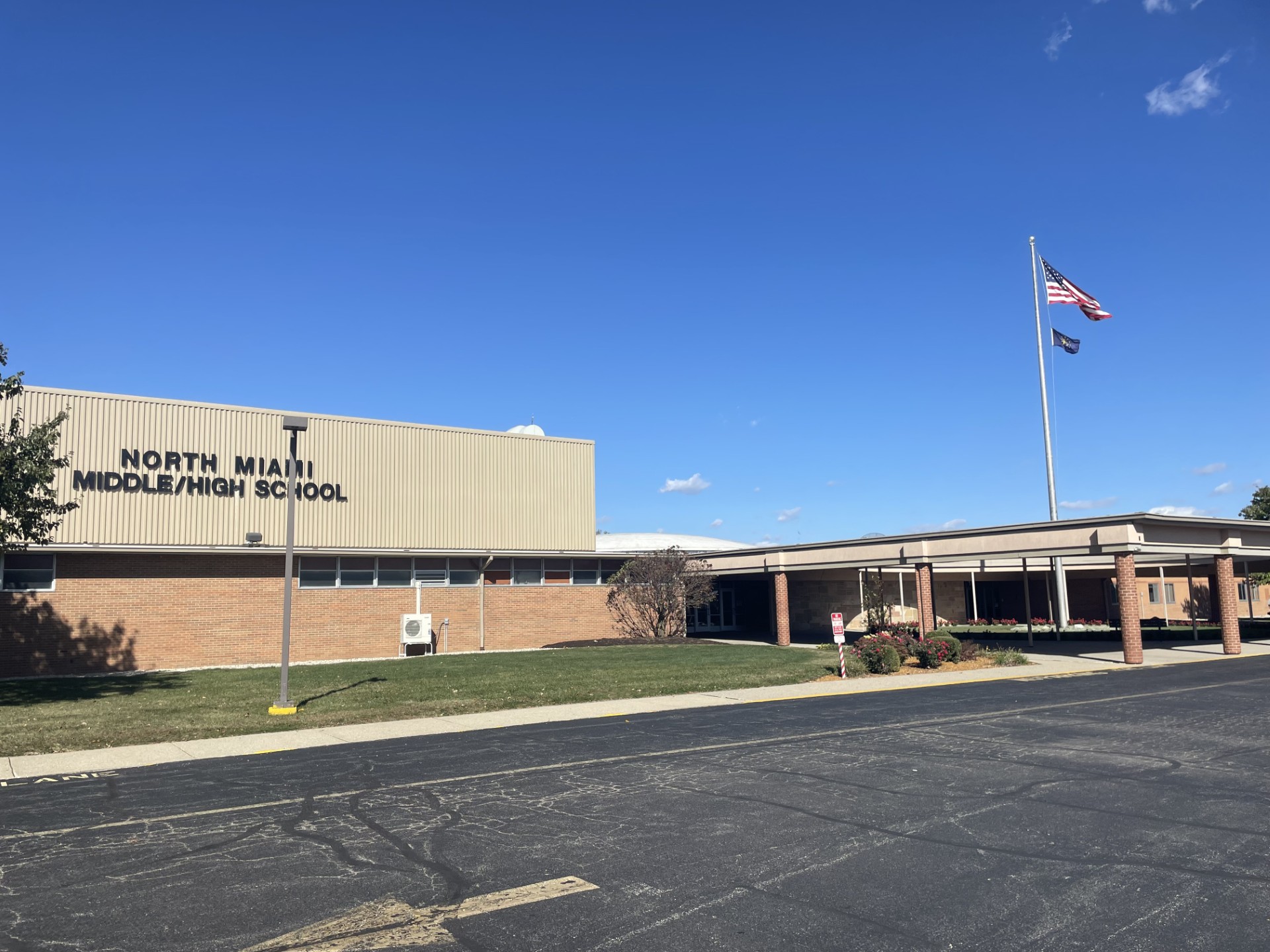
North Miami Middle High School
570 E. 900 N.
Denver, IN 46926
Phone: (765) 985-2931
Fax: (765) 985-2056
Grades: 7th – 12th
Enrollment: 363 students
Principal: Karise Kabage
Assistant Principal: Kristina Manning
Office Hours: 7:30 AM – 4:00 PM
Instruction Hours: 8:10 AM – 3:20 PM
Welcome Warriors!

It is an honor to serve as the principal of North Miami Middle/High School. As an educator, I believe in the power of learning and the importance of creating a welcoming, supportive environment for every student.
At North Miami Middle/High School, we are committed to not only academic excellence but also to fostering a sense of belonging and growth for all. Our students are at the heart of everything we do, and our mission is to help them realize their full potential, both in the classroom and beyond. We emphasize following the Warrior Way, highlighting integrity, respect, and hard work. We believe these qualities prepare our students for success in life.
I feel incredibly fortunate to work alongside such passionate educators, dedicated staff, and supportive families. Together, we are planting seeds of learning that enable students to excel in a rapidly changing environment.
Thank you for being a part of our Warrior community. Together, we will support every student through quality academics, a positive environment, and strong partnerships with our families and community.
With Warrior Pride and enthusiasm,
Karise Kabage